Ask Gitrevio What's Happening in Engineering
Get clear answers about your engineering team, delivery, costs, and risks, without digging through dashboards or asking for another report. Gitrevio connects your engineering data and lets you ask questions in plain English. Ask a question, get an answer based on your real data, and understand what needs attention.
Your Engineering Data. Just Ask.
You shouldn't need to understand five different tools to understand what's happening in your engineering team. Gitrevio brings data from your development tools into one place, so you can ask questions in plain English and get a clear answer.
Instead of looking through charts and trying to connect the dots yourself, you can ask things like:
Gitrevio looks across your engineering data and gives you the answer.
Ask a Question
Just type your question — no technical commands, no complications.
AI Understands Your Data
AI understands your data and history to generate personalized AI engineering insights.
Get Clear Answers
Receive immediate insights and useful reports with summaries in seconds.
A Dashboard Shows Data. You Need Answers.
A dashboard can tell you that cycle time went up. But what you really want to know is why. Was there a change in the team? Did reviews slow down? Did the project become more complex? Is work getting stuck somewhere?
That's where Gitrevio's chat is different. You can ask the question that matters right now and get an answer based on data from across your engineering stack. You don't have to know which metric to look at or where to find it.
Just ask. And when you need more detail, ask a follow-up question. Gitrevio can also show the data behind the answer with charts and tables, so you can see where the answer comes from.
Dashboard:
Sprint velocity: 0 SP
Cycle time: 0.0 days
PR throughput: 0/week
Now what?
Chat:
Ask One Question. Follow the Story.
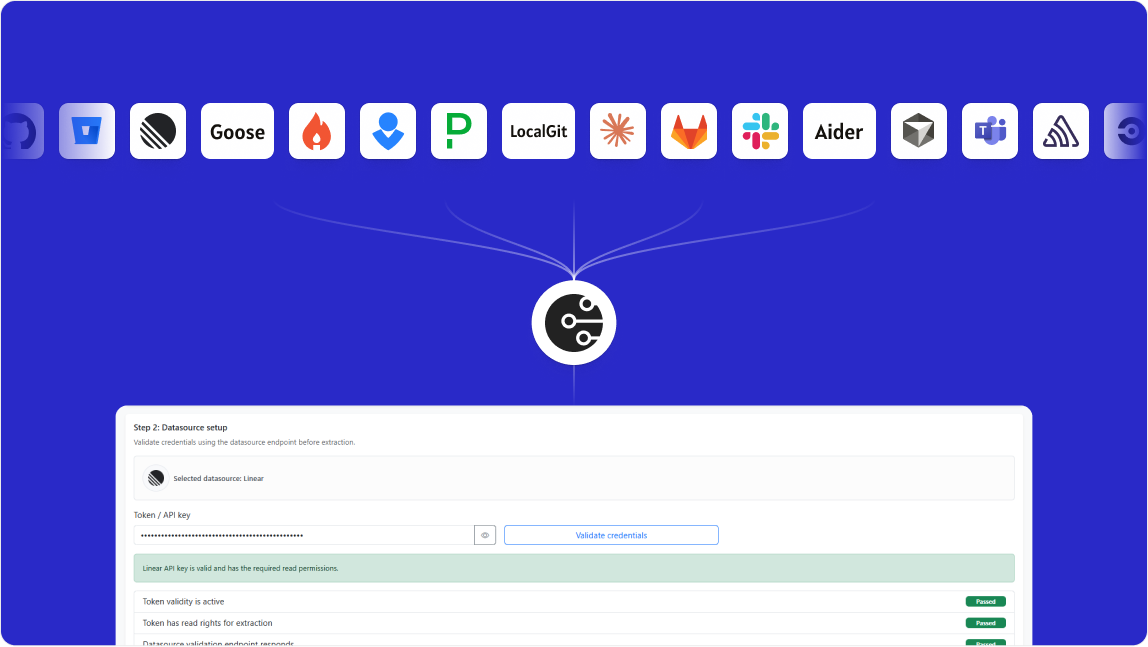
Gitrevio connects to the tools your engineering team already uses — GitHub, GitLab, Jira, Linear, and more. That means you don't have to look at each system separately. For example:
“Why is the project behind schedule?”
Gitrevio can look at the work being done, development activity, reviews, and delivery data to help you understand what is happening. Then you can ask:
“What is causing the biggest delay?”
And continue from there. You get answers based on your company's own data, not generic advice.
No Guesswork. No Generic Advice
Gitrevio works with your real engineering data. It brings together information from your development and project management tools and uses it to answer your questions.
“Your team may have delivery challenges.”
“Why did delivery slow down this month?”
And get an answer based on what actually happened in your team. Every answer is connected to the underlying data, so you can see what supports it.


What Can You Ask Gitrevio? From Engineering Costs to Delivery Risks.
There is no need to learn a new reporting system or know which dashboard to open. Ask questions the same way you'd ask your engineering leader.
People
- How is our team capacity changing?
- Where are we most dependent on a small number of people?
- How has team capacity changed over the last quarter?
- Where could we have a capacity problem?
Delivery
- Why is this project taking longer than planned?
- What is slowing the team down?
- Where are the biggest delivery bottlenecks?
- How has delivery changed over the last 90 days?
- What is putting our roadmap at risk?
- Which projects need attention right now?
Engineering
- Where is technical debt growing?
- Which projects are taking more engineering effort than expected?
- Which parts of the codebase are changing the most?
- Where are we seeing repeated problems?
- How much engineering time is going into maintenance?
Business & Cost
- How much engineering capacity are we spending on this project?
- Where are we spending more engineering time than expected?
- What would happen to delivery if we added two engineers?
- How much of our engineering capacity goes to new features vs. maintenance?
- Which projects are consuming the most engineering resources?
- Give me a clear summary of our engineering health for the board.
Why teams use live AI chat
GitRevio puts all your data in one place, on one easy-to-read dashboard, so you always know what's happening.
Teams choose GitRevio because it helps them:
→Save time on reporting
→Reduce manual admin work
→Make faster decisions
→Understand priorities instantly
→Improve delivery confidence
→Access AI engineering insights anytime
Get answers without doing the work manually
Live AI Chat converts engineering activity into clear insights, so you don't need to search, sort, or filter any data yourself.
Use AI-driven engineering reports to understand:
→Progress
→Delivery risk
→Workload
→Productivity trends
→Team performance
Answers with Charts, Tables, and Drill-Downs
Gitrevio's chat doesn't just return text. Ask for a velocity trend and get an interactive chart. Ask for a team comparison and get a sortable data grid. Ask for attrition risks and get a table you can filter, export, and share.
>
# Interactive chart (AG Charts)
>
# Sortable data grid (AG Grid)
Built on AG Charts and AG Grid. Interactive charts render velocity trends, burndown curves, health score breakdowns, and activity distributions. Data grids give you sortable, filterable tables for PRs, contributors, sprints, and alerts — with inline links back to GitHub, Jira, or Linear. The AI decides the best format for each answer. A trend question gets a line chart. A list question gets a data grid. A single-number question gets a direct answer with context. You don't choose the visualization — the answer does.
Our Chat and Yours
Gitrevio has its own full-featured chat with rich output — charts, grids, drill-downs. But it also integrates into the tools you already use, so you never have to leave your workflow.

Gitrevio Chat
Full-featured web interface with interactive AG Charts, sortable AG Grid tables, conversation history, and shareable threads. The richest experience — charts you can hover, tables you can filter, answers you can drill into.

Slack & Teams
Type /gitrevio in any channel or DM the bot directly. Get answers inline — no context switching. Thread-aware follow-ups. Condensed output optimized for messaging.

MCP (Claude,
Cursor, Windsurf)
Connect via our MCP server. Your AI coding tool gets full access to engineering intelligence — 18 tools, 50+ prompts, and structured data it can reason about.

API
Programmatic access to every query the chat can answer. Build intelligence into your own tools, dashboards, or agentic workflows.
Frequently Asked Questions
Gitrevio Live AI Chat turns engineering data into instant answers and AI engineering insights.
It pulls together information from all your connected data sources, checks the context, and gives you insights and summaries that actually fit your query.
No. Both technical and non-technical persons can use it. You can ask questions in plain language.
Most answers are generated in seconds.
You can ask about project progress, risks, sprint delays, team workload, code quality, tasks, capacity planning, and weekly changes.
Yes. It is useful for engineering leaders, managers, and teams.
No. It is designed for quick adoption and simple use.
Because answers are faster, simpler, and easier to access.
Yes. It can offer insights for teams and projects simultaneously.
Yes. It helps monitor priorities and progress quickly.
What chat can reach
Chat is not limited to querying dashboards. It searches the analytic tool catalog, reads a tool's schema, and runs it — the same catalog available over MCP and the API.
Your Smarter Engineering Decisions Start Here!
Use GitRevio Live AI Chat to understand progress, risks, and priorities faster. Unlock AI engineering insights, and change how you see engineering performance.